
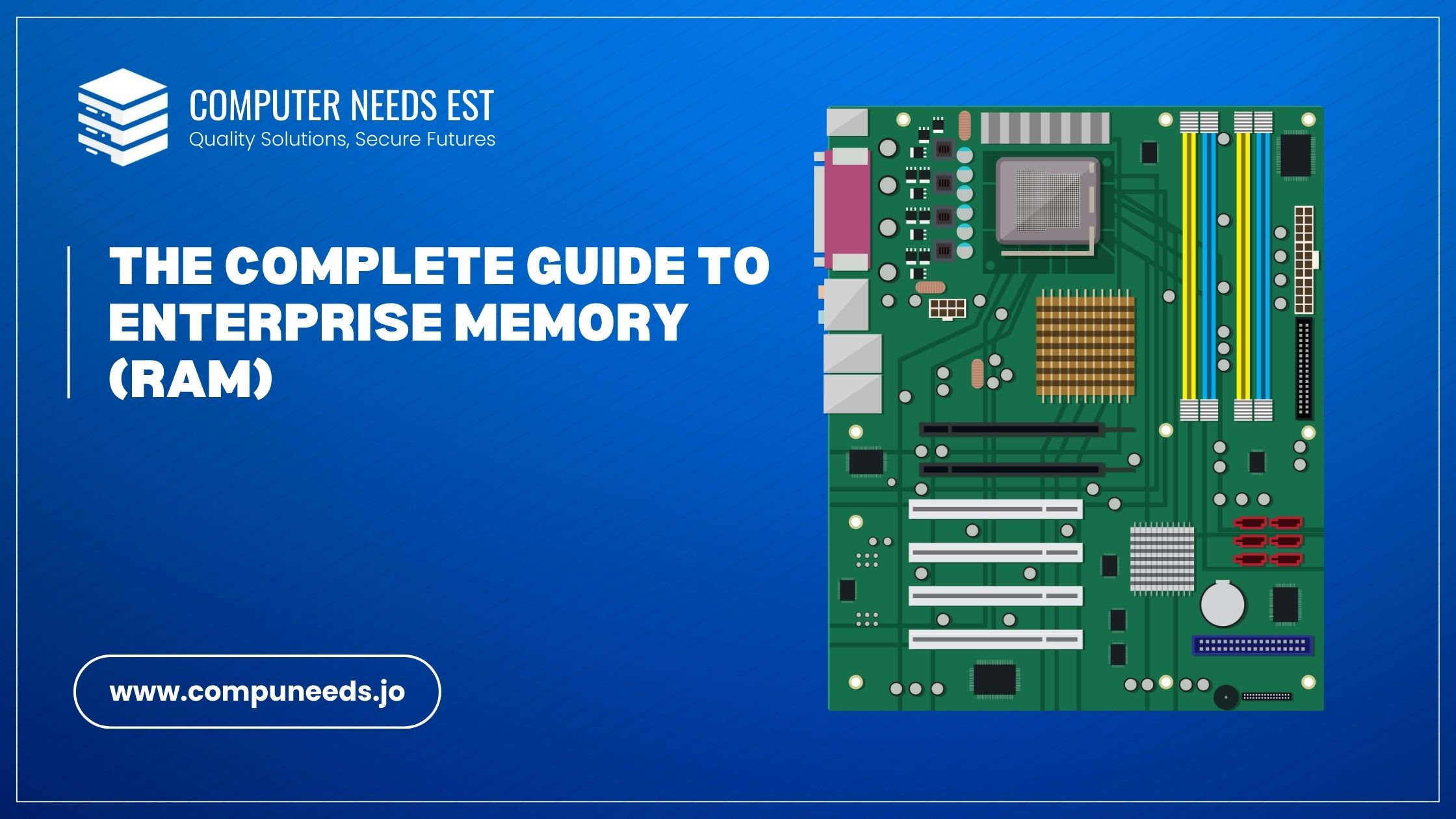
When it comes to building or upgrading servers and computers, many businesses focus on processors and storage—but memory (RAM) is just as important. Memory directly impacts system speed, multitasking ability, and overall stability. For enterprise environments, the right RAM type can make the difference between smooth performance and costly downtime.
At ComputerNeeds, we help organizations in Jordan and the Middle East choose the right server and workstation memory—whether it’s DDR4 RAM, DDR3 RAM, RDIMM, UDIMM, or ECC modules—to match their workloads and budget. In this article, we’ll explain the different types of memory, their use cases, and how to choose the best option for your business.
DDR4 Memory: The Modern Standard
DDR4 (Double Data Rate 4) is the most widely used type of RAM in modern systems. It offers faster speeds, better efficiency, and larger capacities compared to its predecessor, DDR3.
Key Benefits of DDR4 RAM
- High Speed: Supports faster data transfer rates for demanding applications.
- Energy Efficiency: Operates at lower voltages, reducing power consumption.
- Larger Modules: Available in higher capacities for servers and workstations.
- Future-Proof: Supported by most current server and desktop platforms.
Best Use Cases
- Virtualization and cloud workloads.
- High-performance servers.
- Modern desktops and workstations.
For businesses building new systems, DDR4 memory is the recommended choice.
DDR3 Memory: Still in Use, But Aging
What Is DDR3 Memory?
DDR3 RAM was the standard before DDR4. While slower and less efficient, many legacy servers and systems still rely on it.
Key Benefits of DDR3 RAM
- Affordable: Lower cost compared to DDR4.
- Wide Availability: Still available for older systems.
- Stable: Proven technology with years of use.
Best Use Cases
- Legacy servers that still require DDR3.
- Small businesses with older hardware.
- Systems where cost is more important than performance.
While DDR3 memory is no longer recommended for new systems, it is still valuable for maintaining older IT infrastructure.
RDIMM: Registered DIMMs for Servers
What Is RDIMM?
RDIMM (Registered DIMM) is a type of memory module that includes a register between the DRAM modules and the system’s memory controller. This reduces the electrical load, allowing servers to handle more memory modules.
Key Benefits of RDIMM
- Supports Large Memory Capacity: Enables servers to use more RAM overall.
- Stability: Improved reliability in enterprise environments.
- Performance: Optimized for multi-user workloads.
Best Use Cases
- Enterprise servers.
- Databases and virtualization.
- High-performance computing (HPC).
If you are configuring a server with heavy workloads, RDIMM memory is the best choice.
UDIMM: Unbuffered Memory for Simpler Systems
What Is UDIMM?
UDIMM (Unbuffered DIMM) is the most common type of memory for desktops and entry-level servers. Unlike RDIMM, it does not include a register, making it less complex and more affordable.
Key Benefits of UDIMM
- Cost-Effective: More affordable than RDIMM.
- Low Latency: Direct connection to the memory controller.
- Compatibility: Widely supported by consumer systems.
Best Use Cases
- Personal desktops.
- Entry-level servers.
- Small business environments.
For businesses running less demanding applications, UDIMM modules provide excellent value.
ECC Memory: Error-Correcting Code for Reliability
What Is ECC RAM?
ECC (Error-Correcting Code) memory is designed to detect and correct single-bit memory errors. This makes it highly reliable and essential for servers and critical systems.
Key Benefits of ECC Memory
- Error Detection: Prevents system crashes caused by memory errors.
- Data Integrity: Ensures accuracy in mission-critical applications.
- Reliability: Essential for 24/7 enterprise operations.
Best Use Cases
- Servers and data centers.
- Financial, medical, or government systems.
- Any workload where data accuracy is critical.
If your business cannot afford downtime or data corruption, ECC memory is a must-have.
Memory Speeds: 1333, 1600, 1866 MHz
What Do Memory Speeds Mean?
Memory speed, measured in MHz, refers to how fast the RAM can transfer data. Common memory speeds include 1333 MHz, 1600 MHz, and 1866 MHz.
- 1333 MHz: Standard for older DDR3 modules.
- 1600 MHz: Faster DDR3 modules, still common in legacy systems.
- 1866 MHz: High-performance DDR3 and some DDR4 entry models.
Why Does Speed Matter?
Faster memory allows for quicker data access, improving application performance and multitasking. However, actual performance also depends on the processor and motherboard support.
Best Use Cases
- 1333 MHz: Legacy servers and budget systems.
- 1600 MHz: Balanced choice for DDR3-based servers.
- 1866 MHz: High-performance DDR3 or transitional workloads before DDR4 adoption.
Comparing Different Memory Types
| Memory Type | Best For | Benefits | Limitations |
|---|---|---|---|
| DDR4 | Modern servers & desktops | Fast, efficient, future-proof | Higher cost |
| DDR3 | Legacy systems | Affordable, stable | Slower, aging |
| RDIMM | Enterprise servers | High capacity, reliable | More expensive |
| UDIMM | Entry-level systems | Affordable, low latency | Lower capacity |
| ECC | Mission-critical systems | Error correction, reliability | Slightly slower & pricier |
| 1333/1600/1866 MHz | Performance levels | Faster speeds improve workloads | Must match CPU/motherboard |
How to Choose the Right RAM for Your Business
When selecting enterprise memory modules, consider:
- System Compatibility – Does your server support DDR4 or DDR3?
- Workload Type – Heavy workloads require RDIMM and ECC memory, while smaller systems may run fine on UDIMM.
- Performance Needs – Higher speeds (1600 or 1866 MHz) boost efficiency in demanding applications.
- Budget – DDR3 and UDIMM are cost-effective, while DDR4, RDIMM, and ECC provide advanced performance at higher prices.
At ComputerNeeds, we analyze your IT requirements and provide the best RAM options tailored to your infrastructure.
Why Choose ComputerNeeds for Memory Upgrades?
At ComputerNeeds, we supply and install server-grade memory (RDIMM, ECC, DDR4) and consumer-grade memory (UDIMM, DDR3). Our team ensures compatibility and performance optimization for every upgrade.
- ✅ Authorized supplier of enterprise memory modules.
- ✅ Expertise in configuring servers for maximum efficiency.
- ✅ Competitive pricing with warranty support.
- ✅ Full IT solutions: servers, storage, networking, and memory.
📞 Contact ComputerNeeds today at +962795571110 to upgrade your server or desktop memory with reliable, enterprise-grade RAM.
Conclusion: Build Reliable Systems with the Right Memory
Memory is the unsung hero of IT infrastructure. Choosing the right type—whether it’s DDR4 for modern performance, DDR3 for legacy systems, RDIMM for enterprise servers, UDIMM for small offices, or ECC for critical workloads—is essential for performance and stability.
At ComputerNeeds, we provide expert guidance and high-quality memory solutions for businesses in Jordan and the Middle East. Call us today at +962795571110 to discuss your requirements and ensure your systems run at their full potential.
Upgrade your performance with RDIMM Memory and ECC Modules for server-grade reliability.
Still using older systems? Learn how DDR3 Memory can extend legacy performance.
For workstations and creative PCs, explore UDIMM Options that deliver smooth multitasking.
Match your DDR4 modules with high-speed Intel Processors and reliable Power Supplies for stability.
Compare performance between 1333, 1600, and 1866 MHz Memory and find the best fit for your setup.


No comment